
We have all been there. You sit down on game day, ready to cheer for your favorite team, only to find that your streaming service is not working. It is frustrating to pay high monthly fees for cable just to miss the action because of technical hurdles. You deserve a better way to watch your sports without breaking the bank.
This is where internet protocol television comes into play. At its core, this technology delivers television content over your home network rather than through traditional satellite or cable wires. It offers a flexible way to view your favorite events, but it requires the right setup to function smoothly.
Understanding your hardware is the first step toward a seamless viewing experience. This guide will help you check your current devices to ensure they meet the necessary standards. By verifying your iptv compatibility early, you can avoid common streaming errors and make informed choices about your home entertainment setup.
Understanding IPTV Compatibility
Before you dive into the world of digital television, it helps to know how the underlying technology actually functions. Grasping the basics of how your hardware interacts with streaming services is the first step toward a better viewing experience. This foundation ensures you choose the right tools for your home setup.
What is IPTV?
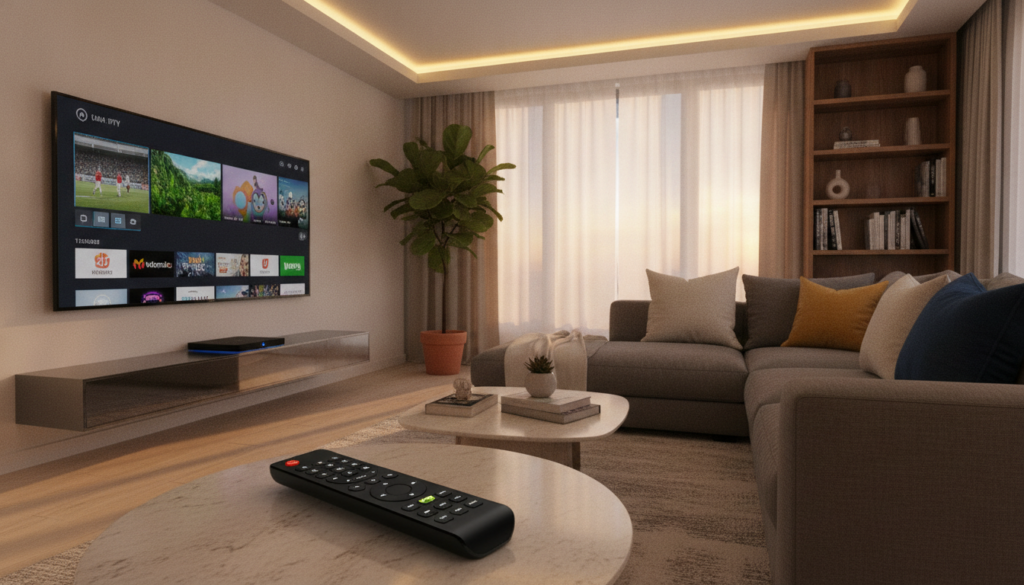
IPTV stands for Internet Protocol Television. Unlike traditional cable or satellite signals that travel through wires or dishes, this service delivers television content over your internet connection. It is a modern form of iptv technology that allows you to watch live broadcasts and on-demand media through your home network.
How IPTV Works
The process begins when a service provider sends video content as small data packets across the internet. Your device receives these packets and reassembles them into a smooth video stream in real-time. Because this iptv technology relies on your internet speed and stability, the quality of your connection directly impacts your viewing.
To make this work, your device must be able to decode these specific data streams. If your hardware is not compatible, it will struggle to process the incoming information, leading to buffering or connection errors. This is why checking your device’s capabilities is essential before you commit to a specific service.
Benefits of IPTV Compatibility
Ensuring your devices are compatible with the latest iptv technology offers several practical advantages for your daily routine. When your hardware is fully supported, you can expect a much smoother experience. Consider these key benefits:
- Reduced buffering and fewer playback interruptions during live sports.
- Access to high-definition streams that your device can actually handle.
- Easier navigation through user-friendly interfaces designed for your specific hardware.
- Reliable updates that keep your streaming apps running securely.
Key Features to Look for in Devices
Before you invest in new equipment, you should evaluate several key features. Taking the time to research your options ensures that your chosen hardware meets your specific needs. This simple checklist helps you compare different iptv devices without getting overwhelmed by technical jargon.
Supported IPTV Protocols
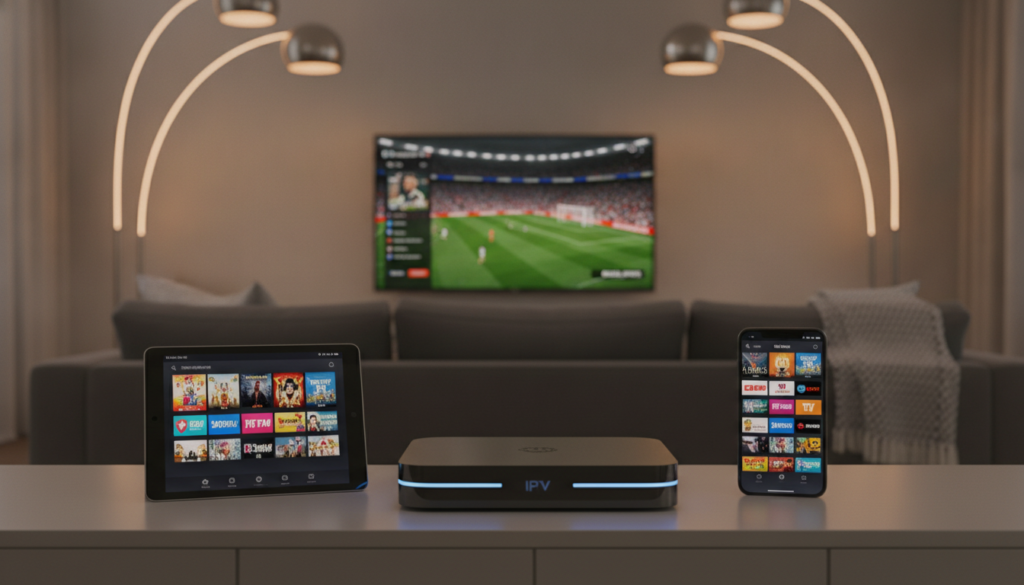
The foundation of any good setup is the ability to handle various data formats. You need to ensure your hardware supports common standards like M3U playlists and EPG (Electronic Program Guide) data. Without these, you might struggle to load your channel lists or see what is currently airing.
Check if the device supports popular streaming apps that utilize these protocols. Good streaming compatibility means the software can decode video streams efficiently. Always verify that the manufacturer provides regular updates to keep these protocols current.
User Interface and Ease of Navigation
A complicated menu can ruin your viewing experience. Look for devices that offer a clean, responsive interface that allows you to find your favorite sports or shows quickly. You want a remote control that feels intuitive and does not require a steep learning curve.
Speed is another factor to consider when navigating menus. You should look for hardware with enough processing power to handle quick transitions between apps. A laggy interface often indicates that the device may struggle with high-definition content.
Video and Audio Quality
Your viewing experience depends heavily on how well your hardware processes visual and audio data. Ensure your device supports at least 1080p resolution, though 4K capability is becoming the standard for modern sports broadcasts. Check for HDR support if you want the best color accuracy on your television.
Audio quality is just as important as the picture. Look for devices that support surround sound formats to get the most out of your home theater setup. Here are the essential features to keep in mind:
- Hardware support for 4K and HDR video output.
- Compatibility with common audio formats like Dolby Digital.
- Fast processor speeds for smooth menu navigation.
- Reliable Wi-Fi or Ethernet connectivity for stable streaming.
- Frequent software updates to maintain streaming compatibility.
Devices That Support IPTV
Your choice of hardware significantly impacts how you enjoy your media. Whether you prefer a large screen or the ability to watch on the go, understanding your options is the first step toward a better experience. Proper smart tv compatibility ensures that your chosen device can handle the data streams required for high-quality playback.
Smart TVs and Set-Top Boxes
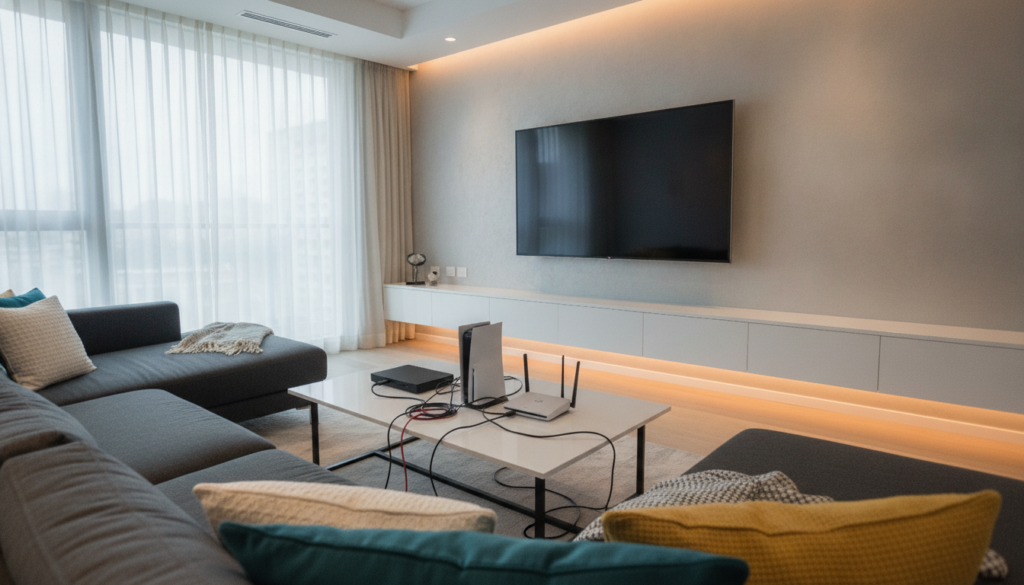
Modern smart TVs often come with built-in apps that make streaming simple. These devices are designed for living room viewing, offering a seamless interface that mimics traditional cable television. When checking for smart tv compatibility, look for models that support your specific service provider’s application.
If your television lacks native support, set-top boxes like Roku, Apple TV, or Amazon Fire Stick provide an excellent alternative. These compact devices plug directly into your HDMI port to turn any screen into a powerful streaming hub. They are often more reliable than built-in TV software due to frequent updates.
Mobile Devices and Tablets
Smartphones and tablets offer the ultimate portability for viewers who want to watch content anywhere. Most major services provide dedicated apps for iOS and Android, ensuring you can catch your favorite shows during a commute or while relaxing in bed. These devices rely on touch-screen navigation, which is often more intuitive than using a standard remote control.
Keep in mind that screen size limitations may affect your viewing experience during long sessions. However, the convenience of having your entire library in your pocket is hard to beat. Always ensure your operating system is updated to maintain full app functionality.
Computers and Laptops
Computers and laptops provide the most flexibility for users who prefer a web-based approach. You can access most services directly through a browser, which eliminates the need for installing extra software. This method is ideal if you already use your computer as a primary entertainment hub.
- High-resolution displays for better visual clarity.
- Easy navigation using a keyboard and mouse.
- Ability to multitask while watching content.
- Broad compatibility with various web browsers.
While laptops are portable, they are generally less convenient for group viewing compared to a television. They remain a top choice for individuals who want a straightforward, no-fuss way to access their subscriptions without needing additional hardware.
Internet Requirements for IPTV
Understanding how your home network impacts internet protocol television is essential for a frustration-free experience. While your hardware might be perfectly capable, your connection speed often determines the actual quality of your stream. Achieving optimal streaming compatibility requires a balance between your device settings and your network performance.
Recommended Bandwidth
Streaming high-definition content requires a consistent flow of data. If your internet speed falls below the minimum threshold, you will likely experience buffering or a drop in resolution. Most services suggest specific speeds to ensure a smooth picture.
- Standard Definition (SD): At least 3 Mbps.
- High Definition (HD): At least 5 to 8 Mbps.
- 4K Ultra HD: At least 25 Mbps or higher.
Stability and Latency Considerations
Speed is not the only factor that matters when you watch internet protocol television. Stability refers to how consistent your connection remains over time. If your signal fluctuates, your video may stutter or freeze unexpectedly.
Latency, or ping, measures the delay between your device and the server. High latency can cause significant lag, which is particularly frustrating during live sports broadcasts. Using a wired Ethernet connection instead of Wi-Fi often reduces this delay and provides a much more stable experience.
Impact of Multiple Users
Your total bandwidth is shared among every device connected to your home network. If someone else is gaming or downloading large files while you are trying to watch a show, your streaming compatibility may suffer. This competition for data leads to network congestion.
To avoid these issues, try to limit high-bandwidth activities on other devices during your viewing time. If your household has many active users, consider upgrading your internet plan to a higher tier. This ensures that your streaming device always has the capacity it needs to deliver a clear, uninterrupted picture.
Popular IPTV Services to Consider
Finding reliable IPTV services requires looking at your specific viewing habits and device setup. Because every household has different needs, it is helpful to compare the most common platforms available in the United States today.
Before you commit to a subscription, always verify that your current hardware is supported. Most providers offer a list of compatible devices on their official websites to help you get started.
Spectrum TV
Spectrum TV provides a traditional cable-like experience delivered through an internet connection. It is a solid choice if you prefer a familiar channel guide and want to bundle your television service with your home internet.
- Offers a wide range of local and national channels.
- Compatible with major streaming devices and smart TVs.
- Requires a stable connection for the best picture quality.
Hulu + Live TV
Hulu + Live TV is popular because it combines live broadcasts with a massive on-demand library. This makes it one of the most versatile IPTV services for families who want both current news and classic shows.
The interface is intuitive, making it easy to navigate between live sports and recorded content. You can access this service on almost any modern smartphone, tablet, or gaming console.
Sling TV
Sling TV stands out as a budget-friendly option that allows you to customize your channel lineup. By choosing between different base packages, you only pay for the content you actually watch.
This flexibility makes it a favorite for sports fans who want to keep costs low. Always check their latest plan updates to ensure your preferred channels are included in your chosen package.
Ultimately, the best choice among these IPTV services depends on your budget and the devices you own. Take a moment to review the current terms and device requirements for each provider before you sign up.
Checking Device Compatibility
Before you commit to a new streaming service, it is vital to verify that your hardware can handle the load. Taking a few minutes to confirm your setup works is the best way to prevent future streaming headaches. Proper smart tv compatibility ensures you get the most out of your subscription without wasting time on unsupported hardware.
Manufacturer Specifications
The first step is to review the technical requirements provided by the service provider. Most companies list the minimum operating system versions and hardware needs on their official websites. You should compare these details against your device’s settings menu to identify potential compatibility issues early.
Online Compatibility Checkers
Many streaming platforms offer dedicated web pages to help you verify if your specific model is supported. These tools often allow you to search by brand or device type to see a list of compatible hardware. Using these resources can save you from buying equipment that cannot run your preferred service.
Firmware and Software Updates
Even if your device meets the basic requirements, it might still fail to run an app if the software is outdated. You should regularly check for system updates in your device settings to ensure you have the latest features. Keeping your software current is a simple way to resolve minor compatibility issues and improve overall performance.
- Check your TV settings for the latest OS version.
- Visit the official app store on your device to see if the app is available.
- Consult the manufacturer’s support page for hardware limitations.
- Restart your device after any major software update.
Troubleshooting IPTV Compatibility Issues
Even the best streaming setups can run into unexpected technical hurdles. While most modern hardware is designed to handle high-definition streams, you may occasionally encounter roadblocks that prevent your content from loading properly.
Common Compatibility Problems
Many users face similar obstacles when setting up their services. These compatibility issues often stem from a few predictable sources that are easy to identify once you know what to look for.
- Outdated firmware on your smart TV or streaming box.
- Unsupported applications that do not match your device’s operating system.
- Hardware limitations, such as insufficient RAM or an aging processor.
- Network-related playback errors that mimic software glitches.
Solutions and Workarounds
Before you assume your device is broken, try a few simple fixes to improve your iptv compatibility. Most minor errors resolve themselves with a quick refresh of your system settings.
Start by power-cycling your device, which means unplugging it for thirty seconds and plugging it back in. You should also check for any pending system updates, as manufacturers frequently release patches to fix app performance. Clearing the cache of your streaming app can also remove corrupted data that might be causing playback failures.
When to Contact Support
Sometimes, the problem lies deeper than a simple software glitch. If you have updated your firmware and restarted your hardware but still cannot access your content, it may be time to reach out for professional help.
Contact your service provider if you suspect the issue is related to your account credentials or server-side restrictions. If the app itself is crashing on multiple devices, the developer likely needs to release a fix. Always keep your device model number and error codes handy to help the support team resolve your compatibility issues faster.
Tips for Enhancing Your IPTV Experience
You can significantly improve your viewing quality by making a few smart adjustments to your home setup. While modern iptv technology is designed to be user-friendly, small changes often lead to a much smoother experience. Focusing on your network and service choices will help you avoid common frustrations.
Optimizing Your Home Network
A stable internet connection is the backbone of any high-quality stream. If you rely on Wi-Fi, try to move your router to a central location away from thick walls or metal objects. For the best results, connect your primary streaming device directly to your router using an Ethernet cable.
You should also consider these quick network fixes:
- Restart your router once a week to clear temporary cache files.
- Limit the number of devices streaming high-definition content at the same time.
- Check your internet speed to ensure it meets the minimum requirements for your chosen resolution.
Choosing the Right IPTV Subscription
Not all providers offer the same level of reliability or content variety. When looking at various iptv services, take the time to read user reviews and check the official service terms. It is important to pick a plan that matches your actual viewing habits rather than paying for channels you never watch.
Always verify that the provider offers a stable stream for the specific sports or entertainment you enjoy. A good service should provide clear information about their channel lineup and device support. Avoid providers that make vague promises about their technical capabilities.
Utilizing VPNs for Better Access
A Virtual Private Network can be a useful tool for managing your privacy while using iptv services. It helps mask your traffic, which can sometimes prevent your internet provider from slowing down your connection during peak hours. However, keep in mind that a VPN is not a magic fix for every technical limitation.
Before you start, ensure that your chosen VPN is compatible with your specific hardware. Always review the terms of service for your streaming provider, as some platforms may restrict VPN usage. Using this aspect of iptv technology responsibly ensures you maintain a secure and consistent connection without violating any platform rules.
Future of IPTV Compatibility
The landscape of digital entertainment shifts rapidly as new hardware enters the market. You should prepare for these changes by staying informed about how your current setup interacts with evolving streaming standards.
Emerging Technologies
Advancements in 5G connectivity and cloud processing will soon change how you access content. These innovations allow iptv devices to handle higher data loads with less lag. You can expect smoother playback even during peak viewing hours.
Trends in Streaming Services
Major providers like Hulu and Sling TV continue to refine their apps for better performance. These updates often prioritize efficiency to ensure your hardware remains relevant. Keeping your software current helps you maintain access to the latest features without needing new equipment.
Potential Device Innovations
Manufacturers are focusing on integrated hardware that simplifies your home entertainment hub. Future iptv devices will likely feature better energy efficiency and faster processors. You can stay ahead by checking manufacturer specifications before making any new purchases. Regularly verifying your internet readiness ensures you get the best value from your subscription choices.







