
We all know the frustration of missing a big game because of expensive cable packages. You want a simple way to catch your favorite teams without breaking your monthly budget. Many viewers in the United States are now turning to digital solutions to regain control over their entertainment.
Using an IBO Player IPTV setup is one popular path for those seeking flexible online television. This article offers an honest look at how this service balances convenience with actual performance. We will weigh the ease of use against common limitations you might encounter.
It is important to set realistic expectations before you dive in. Factors like content rights, server stability, and regional availability often impact your live TV streaming quality. By understanding these variables, you can decide if this tool truly fits your needs for accessible sports coverage.
What is IBO Player IPTV?
If you are new to digital entertainment, you might wonder what exactly IBO Player IPTV does. It is important to clarify that this software acts as a media interface rather than a direct source of content. Think of it as a digital container that organizes the streams you provide.
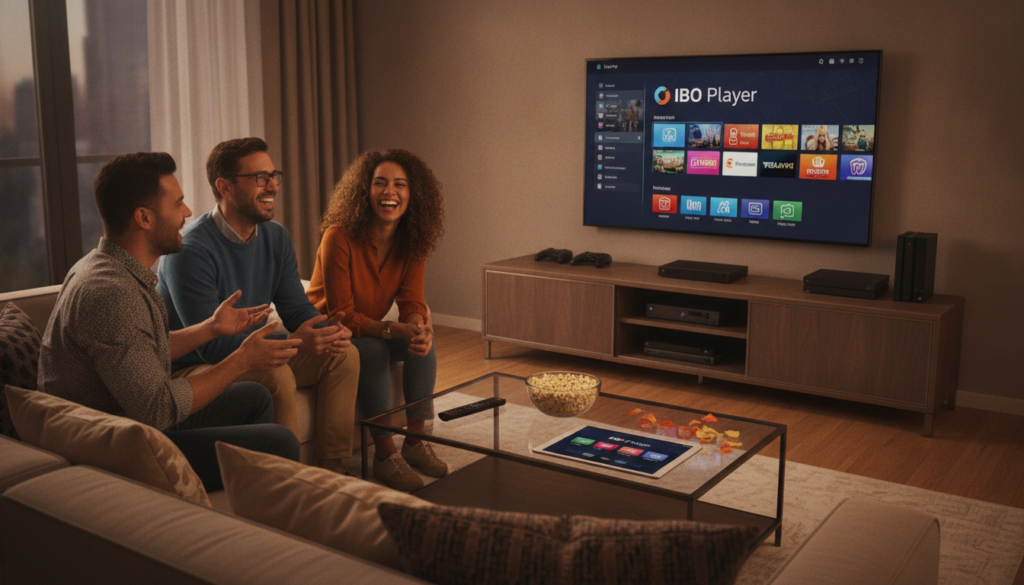
Definition and Features
IBO Player IPTV is a popular streaming player designed to help you manage and watch your media content. It functions as a digital streaming platform that allows you to load various playlists and channels into one organized dashboard. Unlike a traditional cable box, this software gives you the flexibility to customize your viewing experience.
Key features of this application include:
- Support for multiple playlist formats like M3U and Xtream codes.
- A user-friendly interface that simplifies navigation.
- Options for subtitle management and audio track selection.
- High-definition playback capabilities for supported content.
How It Works
To use this service, you must understand that the application itself does not provide the channels. You act as the provider by linking your own subscription or source to the software. Once you input your credentials, the application fetches the data and displays it in an easy-to-read format.
This setup makes it a powerful tool for those who already have access to an IPTV streaming service. By separating the player from the content source, you gain more control over what you watch. It is a practical solution for users who want a clean, organized way to view their digital media.
Compatibility with Devices
You can install this application on a wide range of hardware to suit your home setup. It is commonly used on an internet TV box, which turns your standard television into a smart entertainment hub. The software is also compatible with various smart TVs, tablets, and mobile devices.
Whether you prefer watching on a large screen or a portable device, the experience remains consistent. This versatility ensures that you can access your media whenever and wherever you have a stable internet connection. Simply download the app on your preferred device and follow the setup prompts to begin.
Benefits of Using IBO Player IPTV
Many viewers look for ways to lower their monthly bills while keeping access to their favorite sports. Using a dedicated application can help you organize your digital media without the high costs associated with traditional cable packages.
Cost-Effective Viewing Options
Switching to an IBO Player IPTV setup often results in significant monthly savings. By moving away from rigid, expensive contracts, you gain the freedom to choose services that fit your specific budget.
This approach allows you to prioritize the content you actually watch. You can allocate your funds toward specific packages that include your preferred sports leagues or entertainment networks.

Extensive Channel Selection
It is important to remember that the player itself acts as a gateway for your content. The actual variety of channels you receive depends entirely on the IPTV streaming service you choose to connect.
Because the player is a neutral tool, it can support a vast array of international and local broadcasts. You should research different providers to ensure they offer the specific networks you enjoy most.
High-Quality Streaming
Your experience with live TV streaming relies on several technical factors working in harmony. While the software is designed for efficiency, the final output quality depends on your internet connection stability and the hardware you use.
- Ensure your device has enough processing power for high-definition playback.
- Maintain a stable, high-speed internet connection to prevent buffering.
- Verify that your chosen IPTV streaming service provides reliable, high-bitrate sources.
When these elements align, IBO Player IPTV provides a smooth and responsive interface. This makes live TV streaming feel just as reliable as traditional broadcast methods for your daily entertainment needs.
Setting Up IBO Player IPTV
Setting up your device for media streaming is a straightforward process that anyone can master. For many viewers in the United States, finding a simple way to access content is a top priority. By following a few clear steps, you can quickly transform your hardware into a powerful entertainment hub.
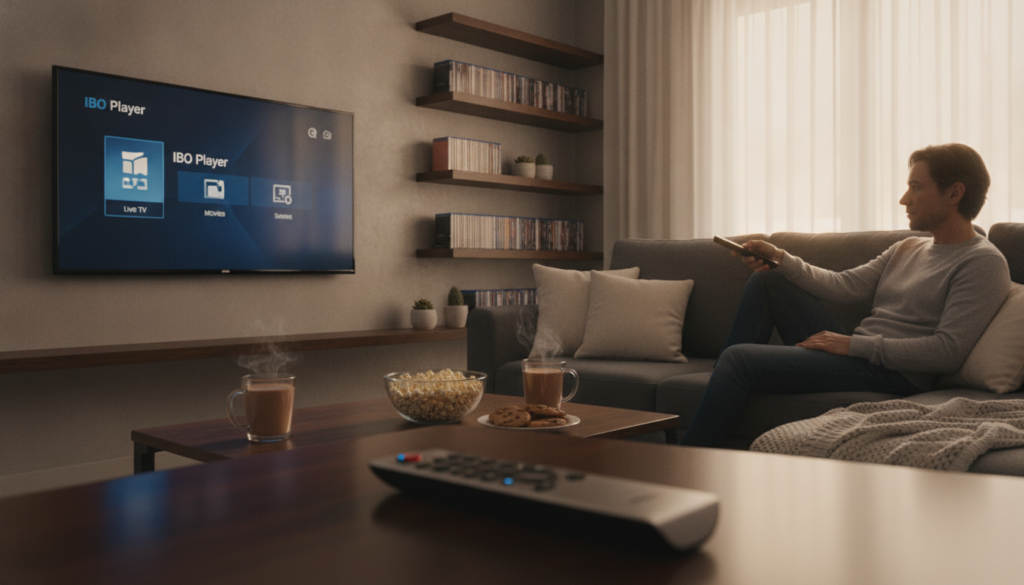
Requirements for Installation
Before you begin, ensure you have the necessary equipment ready. You will need a compatible internet TV box or a similar device that supports third-party applications. A stable high-speed internet connection is also essential for a smooth experience.
Additionally, keep your account details handy. You will need your specific login credentials and your active TV box subscription information. Having these ready before you start the installation will save you time and frustration.
Step-by-Step Setup Guide
The installation process is divided into two main parts to keep things organized. First, you must install the IBO Player IPTV application on your device. Follow these steps to get started:
- Download the application from your device’s official app store.
- Open the app and locate the device ID and key displayed on the screen.
- Visit the official website on a computer or mobile browser to activate your device.
- Once the app is installed, you can proceed to add your specific playlist or TV box subscription details.
After the initial setup, you can input your playlist URL or M3U file details within the app settings. This separates the software installation from the content configuration, making the process much easier to manage.
Troubleshooting Common Issues
Even with a simple setup, you might occasionally run into minor technical hurdles. If you experience buffering, try restarting your router or checking your internet speed to ensure it meets the requirements for high-definition streaming.
If you notice missing channels, verify that your playlist URL is correct and active. For issues with incorrect credentials, double-check your login information for any typos. If you encounter unsupported formats, ensure your streaming player is updated to the latest version available.
IBO Player IPTV vs Other IPTV Services
Many users often confuse the role of a media player with the service that provides their actual content. It is important to remember that your chosen IPTV provider typically controls the channel lineup and broadcast quality. In contrast, a digital streaming platform or player manages how that content appears on your screen.
Comparisons with Competitors
When you compare IBO Player IPTV to other options, you will notice differences in how they handle media files. Some competitors focus on complex features that can slow down older hardware. This IPTV streaming service prioritizes a clean layout that works well on most smart TVs and streaming sticks.
Most alternative players require technical knowledge to configure properly. By comparison, this player offers a more streamlined approach for the average viewer. You can expect a consistent experience across different devices without needing constant updates.
Unique Selling Points
The main strength of this software lies in its straightforward navigation. You do not need to be a tech expert to find your favorite channels or adjust your settings. This makes it a top choice for those who want a simple setup process.
Broad device compatibility is another major advantage for users. Whether you use a tablet, a phone, or a large television, the interface remains easy to read. This digital streaming platform ensures that your viewing habits stay synced across your home network.
Customer Satisfaction
Stability is the most important factor for any IPTV streaming service. Users generally report that this player maintains a steady connection during live events. This reliability helps prevent the frustration of constant buffering or app crashes.
When evaluating an IPTV provider or player, you should also consider the quality of support. A good service offers transparent pricing and clear instructions for new subscribers. Consistent performance across every viewing session is what keeps users coming back to IBO Player IPTV.
- Stable performance during high-traffic events.
- User-friendly interface for all ages.
- Wide support for various hardware brands.
- Transparent and simple configuration steps.
Content Offered on IBO Player IPTV
You might wonder what kind of media you can access once you set up your IBO Player IPTV. It is important to remember that this application acts only as a media player. The actual content you see depends entirely on the playlist or service provider you connect to the software.
Because the player itself does not host media, your experience with online television will vary based on your subscription. Always ensure that the sources you use are legitimate to enjoy your media without any interruptions.
Sports Streaming
Many fans use this platform to catch live sports events from around the globe. Whether you are looking for local games or major international tournaments, the availability depends on your specific provider.
- Access to major league games.
- Coverage of niche sporting events.
- Potential for free sports access via specific playlists.
Movies and TV Shows
Your library of on-demand movies and television series is determined by your IPTV service. Many providers offer extensive catalogs that update regularly, allowing you to binge-watch your favorite shows at your convenience.
When you use the player for live TV streaming, you can often find integrated guides that help you navigate these libraries. Always check that your provider offers high-quality streams for the best viewing experience.
International Channels
One of the biggest advantages of using this technology is the ability to watch broadcasts from different countries. You can easily access news, entertainment, and cultural programming from across the world.
Before you enter any account details, verify that the international channels you want are legally available in your region. This simple step ensures that your online television setup remains compliant and reliable for your daily viewing needs.
User Experience and Interface
Navigating your digital entertainment should be simple, fast, and intuitive. When you use a high-quality streaming player, the goal is to spend less time searching and more time watching your favorite content. A well-designed interface acts as the bridge between you and the vast world of online television.
Navigation and Accessibility
The layout of IBO Player IPTV focuses on clarity and speed. You will find that the menus are organized into logical categories, such as live sports, movies, and series. This structure helps users with limited technical experience find what they need without confusion.
Responsive controls ensure that your remote or touch input translates instantly to the screen. The platform prioritizes accessibility by keeping essential functions within easy reach. You can browse through channels or search for specific titles using a clean, uncluttered dashboard.
Customization Options
Personalization is a key feature of this digital streaming platform. You can tailor your viewing environment to match your specific habits and preferences. These options help you keep your most-watched content front and center.
- Create a favorites list for quick access to your top channels.
- Organize your playlists to group similar genres or sports leagues.
- Adjust language settings to suit your regional needs.
- Modify display preferences for a more comfortable viewing experience.
User Reviews
Many users appreciate the straightforward nature of the IBO Player IPTV interface. Feedback often highlights how the streaming player remains consistent across different devices, from smart TVs to mobile phones. This reliability makes it a popular choice for those who value a hassle-free digital streaming platform.
However, keep in mind that your experience with online television can vary depending on your specific hardware and internet connection. While most users find the setup easy to master, some may need a moment to explore the settings menu to fully optimize their view. Overall, the consensus remains that the software provides a solid foundation for daily entertainment.
Pricing Plans for IBO Player IPTV
Before you commit to a service, it is important to clarify exactly what your monthly fees cover. Many users mistakenly believe that one payment covers everything, but the ecosystem often involves separate components.
Overview of Packages
When you look at pricing, you must distinguish between the software and the content. IBO Player IPTV is primarily a media player application that organizes your streams.
Typically, you will pay a one-time fee or a subscription for the player itself. However, you must also secure a separate contract with an IPTV provider to actually receive the channels.
If you are using a dedicated device, you might also encounter a separate TV box subscription. Always verify if your quoted price includes the app license, the content feed, or both.
Value for Money
To determine if a package offers good value, look beyond the initial price tag. A high-quality IPTV streaming service should provide consistent uptime and a wide variety of channels.
Consider these factors when evaluating your options:
- The total number of channels and on-demand content included.
- Compatibility with your specific devices and hardware.
- The length of the renewal terms and cancellation policies.
- The quality and responsiveness of customer support channels.
Reliability is often more important than a low price. A cheap service that buffers constantly will not provide the experience you expect from a modern TV box subscription.
Special Offers for Subscribers
You may see advertisements for extremely low-cost access or free trials. Be cautious when evaluating these claims, as they often come with hidden conditions.
Some services advertise low introductory rates that jump significantly after the first month. Always confirm the full, recurring price before you enter your payment details.
Furthermore, distinguish between genuinely free, legal content and paid services that use “free” as a marketing hook. A reputable IPTV provider will be transparent about their long-term costs and service limitations.
Legal Considerations for IPTV Users
You might wonder if using an IBO Player IPTV setup is allowed under current laws. It is important to understand that the technology itself is simply a tool for media playback. The legal status of your streaming experience depends entirely on the licensing and distribution rights of the content you access.
Understanding IPTV Legality in the US
In the United States, copyright laws protect movies, sports, and television shows. A legitimate IPTV provider must hold specific agreements with content creators to broadcast these programs legally. If a service offers premium channels without proper authorization, it may be operating outside of established regulations.
Always assess whether the source has the right to distribute the media you are watching. Accessing unauthorized streams can lead to service interruptions or other complications. Being aware of these distinctions helps you make informed choices about your digital entertainment.
Compliance with Regulations
Staying compliant requires a proactive approach to how you consume media. You should prioritize services that maintain transparent terms of service and clear contact information. Avoid any IPTV provider that asks for payments through untraceable methods or makes unrealistic promises about content access.
- Check for official licensing information on the service website.
- Avoid platforms that promote pirated or leaked content.
- Review user agreements to understand your responsibilities as a subscriber.
- Refrain from sharing or redistributing streams to others.
Protecting Yourself Online
Maintaining your digital safety is just as important as choosing the right software. You should always use strong, unique passwords for every account you create. Keeping your devices updated with the latest security patches also helps defend against potential vulnerabilities.
Be cautious when a service requests excessive personal information or suspicious payment details. Using reputable security tools can provide an extra layer of protection while you browse. By following these simple steps, you can enjoy your favorite content with greater peace of mind.
Tips for Enhancing Your IBO Player IPTV Experience
Getting the most out of your entertainment setup requires a few simple adjustments to your home network. You can enjoy a smooth experience with IBO Player IPTV by focusing on your hardware and connection stability.
Boosting Performance
A wired Ethernet connection provides the most reliable path for live TV streaming. Move your router closer to your device to minimize signal interference. Restart your app and update your software regularly to keep your streaming player running at peak efficiency. Clear out background tasks on your network to ensure your bandwidth stays dedicated to your favorite shows.
Hardware and Speed Requirements
Your ideal internet speed depends on your household usage and the number of active devices. High-definition content requires more bandwidth than standard streams. Consider adding an Ethernet adapter or a dedicated internet TV box if your current hardware struggles with buffering. A high-quality remote or a dedicated streaming stick can improve your navigation speed significantly. Weigh these small equipment costs against the convenience of a seamless viewing experience. Start testing these adjustments today to see how much better your favorite content looks on your screen.







