
Do you ever feel frustrated by the rising costs of cable packages just to watch your favorite sports teams? Many of us want to stay connected to the action without breaking our monthly budget. You are not alone in searching for a simpler, more affordable way to enjoy live television at home.
Using an IPTV for IBO Player setup offers a practical path to access content through your preferred streaming hardware. This guide examines the real benefits and potential limitations of this method for viewers across the United States. We will look at the value it provides and whether it truly fits your specific entertainment needs.
Our goal is to help you decide if this configuration is the right choice for your household. By understanding the technical requirements and the reality of free viewing options, you can make an informed decision that saves you money while keeping you in the game.
What is IPTV and How Does it Work?
You can access a world of content through your internet connection using an IPTV player. Unlike traditional cable or satellite systems that rely on physical wires or dish signals, this technology delivers television programming directly through your home network.
By shifting to internet-based delivery, you gain more control over what you watch and when you watch it. This modern approach transforms your viewing habits by turning your existing internet service into a powerful entertainment hub.
Understanding IPTV Technology
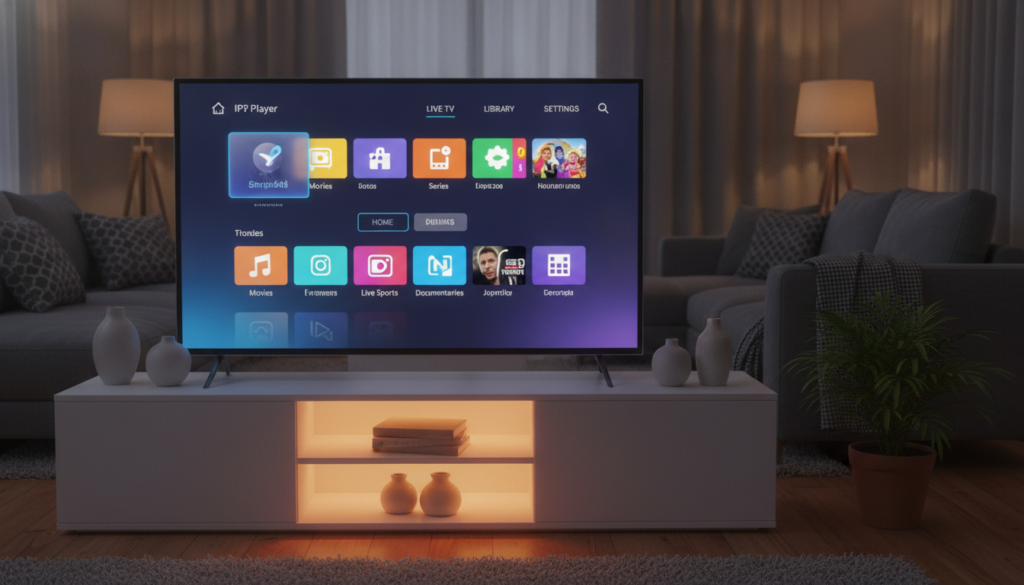
IPTV, or Internet Protocol Television, functions by breaking down video signals into data packets. These packets travel across your internet connection to reach your screen, where they are reassembled into the shows or movies you enjoy.
Because this process happens in real-time, it requires a stable connection to ensure smooth playback. When you use a reliable IPTV player, the software manages these data streams to provide a seamless experience that mimics traditional television.
Key Components of IPTV
To get started with this technology, you need a few essential pieces working together. Each part plays a specific role in bringing content from the server to your living room.
- Service Provider: The company that hosts the channel lists and content streams.
- Internet Connection: A high-speed link that carries the data to your home.
- Compatible Device: Hardware like a smart TV, streaming stick, or computer.
- IPTV Player: The application that decodes the signal and displays your channels.
Benefits of Using IPTV
Many users switch to this format because it offers significant advantages over legacy systems. However, it is important to weigh these perks against potential reliability issues that can occur with internet-based streaming.
- Cost Savings: Often cheaper than traditional cable packages.
- Flexibility: Watch content on multiple devices anywhere with internet.
- Customization: Easily manage your favorite channels through your IPTV player.
- Reliability Factors: Performance depends heavily on your local internet speed and server stability.
The IBO Player Explained
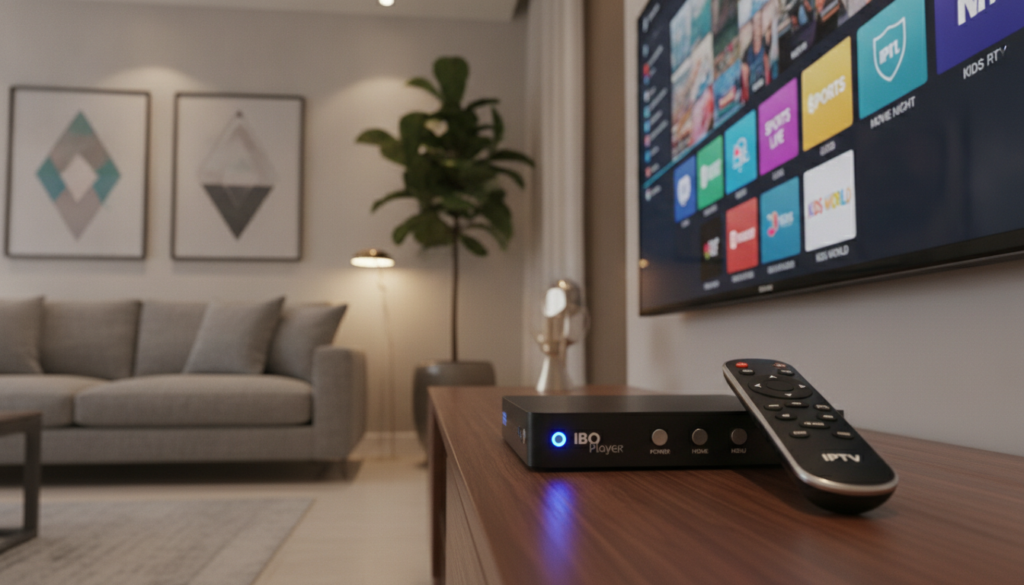
IBO Player is a versatile application designed to manage your authorized streaming credentials and digital playlists. It acts as an application layer that organizes your content, allowing you to access your preferred channels through a single, user-friendly interface. It is important to note that this software is not a content provider; it simply provides the tools to play the services you already own.
Features of IBO Player
When you use IBO Player IPTV, you gain access to several tools that make navigation much easier. The software is built to handle large channel lists while keeping your viewing experience smooth and organized.
- Playlist Loading: Easily import your M3U or Xtream Codes credentials to start streaming.
- Channel Organization: Sort your favorite channels into custom categories for quick access.
- Playback Controls: Manage your video stream with intuitive pause, play, and volume options.
- Electronic Program Guide (EPG): View current and upcoming show schedules directly within the app.
Supported Devices for IBO Player
One of the main advantages of IBO Player IPTV is its broad compatibility across various hardware platforms. You can install this application on many popular devices, which helps you avoid the need for expensive proprietary hardware.
Commonly supported devices include smart TVs, Android-based streaming boxes, and various mobile platforms. Because the app works on many affordable devices, you can often lower your total setup costs by choosing hardware that fits your budget. Always check the official app store on your specific device to ensure the latest version is available for download.
How to Set Up IPTV on IBO Player
Getting your media player ready for daily use involves just a few quick configuration steps. By following this guide, you can ensure a smooth experience for your IPTV streaming needs. Always verify that you are downloading software from official sources to keep your personal information secure.
Downloading and Installing IBO Player
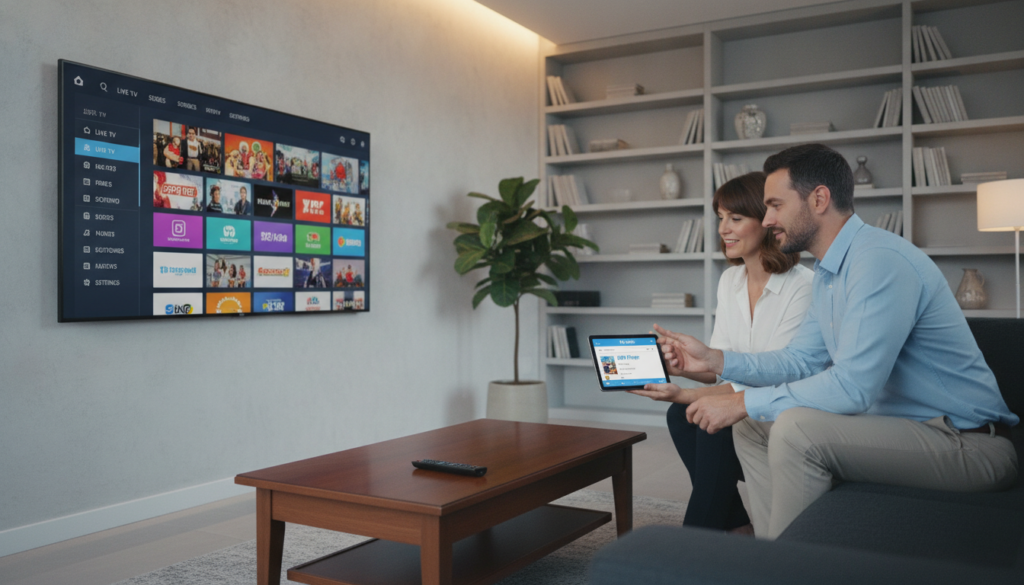
The first step is to locate the application on your specific device. Most users in the United States can find the app directly through their device’s official app store, such as the Google Play Store or the Amazon Appstore.
Search for “IBO Player” in the search bar and select the official version to install. Once the download finishes, open the application to begin the initial setup process. Ensure your internet connection is stable during this phase to avoid any installation errors.
Configuring IPTV Settings
After launching the app, you will need to input your provider details to enable IPTV streaming. Most services provide either an M3U playlist URL or Xtream Codes login credentials.
Follow these steps to complete your configuration:
- Open the settings menu within the IBO Player interface.
- Select the option to add a new playlist or service.
- Enter the specific login details provided by your service subscription.
- Save your changes and return to the main dashboard to refresh the channel list.
Once you have saved your settings, test the connection by selecting a channel to play. If the video loads correctly, your IPTV streaming setup is complete and ready for use. If you encounter issues, double-check that your login credentials were entered without any typos.
Finding the Best IPTV Service for IBO Player
Finding a reliable provider is the most important step in setting up your home entertainment system. You should look for services that offer consistent uptime, a wide range of channels, and responsive customer support. Always verify the legal status of the content provided to ensure you are using a reputable service.
When you evaluate a potential service, check for device compatibility and transparent pricing structures. A good provider will offer clear information about their subscription tiers without hidden fees. Finding the best IPTV service requires a balance between your budget and the quality of the stream.
VibeCastTV : Best IPTV Provider for the U.S.
For users located in the United States, VibeCastTV has emerged as a top IPTV provider. It is known for its focus on domestic channel availability and stable server performance. Many users prefer this option because it integrates seamlessly with the interface of your player.
The service prioritizes ease of use for those who want to watch sports and local news without complex setups. While performance can vary based on your internet connection, this provider maintains a strong reputation for reliability. It remains a popular choice for budget-conscious viewers who need a straightforward streaming solution.
Comparing Features and Pricing
Before you commit to a long-term plan, you should compare the features and costs of different providers. Most services offer trial access, which allows you to test the stream quality before paying for a full month. Always look at the renewal terms to avoid unexpected charges after your initial period ends.
Consider these factors when you compare your options:
- Trial access availability for testing stability.
- Total monthly cost including any hidden service fees.
- Renewal terms and cancellation policies.
- Channel variety and support for high-definition content.
By taking the time to review these details, you can find a service that fits your financial needs. Remember that the cheapest option is not always the best if it lacks consistent support. Focus on finding a balance that keeps your monthly expenses low while maintaining a high-quality viewing experience.
Managing Your IPTV Subscription
Making the most of your streaming setup starts with knowing exactly what you are paying for. Keeping your account information organized ensures you never lose access to your favorite sports or entertainment channels unexpectedly.
How to Change Your IPTV Service
If you decide to switch providers, start by recording your current account details and server settings. This backup helps if you ever need to revert to your previous setup quickly.
Next, remove the old playlist from your player to avoid clutter and potential playback conflicts. Before you commit to a new provider, always test their service with a short-term option to ensure it works well with your specific hardware.
Tips for Subscribing to IPTV
Before you finalize any IPTV subscription, take a moment to review the fine print. Look for clear information regarding renewal dates and cancellation policies so you are never caught off guard by unexpected charges.
It is also vital to verify that the IPTV package you choose supports all your devices. Check the following list to ensure you have a smooth experience:
- Confirm the provider offers a legitimate free trial period.
- Check if the IPTV package includes the specific sports channels you need.
- Verify that the IPTV subscription allows for multiple simultaneous connections.
- Read the terms to see if they require payment details for free trials.
Be wary of services that hide their terms or demand credit card information for a basic trial. A reliable IPTV subscription should be transparent about what is included in every IPTV package, giving you full control over your entertainment budget.
Navigating the IBO Player Interface
Navigating the IBO Player interface is a simple process once you understand the basic layout. By taking a few minutes to explore the settings, you can make your daily viewing much more efficient. Managing your IPTV channels effectively ensures that you spend less time searching and more time watching your preferred content.
Customizing Your Channel List
You can easily organize your IPTV channels to suit your personal viewing habits. Most users find that creating a favorites list is the fastest way to access the programs they watch every single day. You can also group content into custom categories to keep your interface clean and clutter-free.
To manage your lists, look for the settings menu within the application. From there, you can select specific streams to add to your favorites or hide channels you never watch. This level of customization helps you maintain a streamlined experience that is tailored specifically to your needs.
Using the EPG (Electronic Program Guide)
The Electronic Program Guide, or EPG, acts as your primary schedule view for live television. When your provider supplies compatible data, this feature displays program names, start times, and brief descriptions directly on your screen. It is an essential tool for anyone who wants to stay updated on what is airing next.
Using the guide is straightforward and helps you plan your evening without any guesswork. You can scroll through the list to see upcoming shows or check what is currently playing across different networks. If you find that your guide is empty, ensure that your provider has enabled EPG support in your subscription settings.
Troubleshooting Common IBO Player Issues
You can resolve most common playback and connection errors by following a few basic diagnostic steps. Whether you are dealing with a frozen screen or a failed login, a systematic approach helps you identify the root cause quickly. Most problems stem from simple network fluctuations or outdated playlist configurations.
Connection Problems
If your application fails to load channels, start by verifying your active internet connection. Ensure your device is properly connected to your router and that other apps can access the web. If the connection is stable, try restarting the IBO Player application to clear temporary cache errors.
Next, double-check your playlist details within the settings menu. A single typo in your M3U URL or login credentials will prevent the service from connecting. If the issue persists, test your connection on a different network, such as a mobile hotspot, to rule out local ISP restrictions.
Video Playback Issues
Video playback problems often manifest as buffering, freezing, or audio synchronization errors. First, determine if the issue is widespread across all channels or limited to a specific stream. If only one channel fails, the problem likely lies with your IPTV provider rather than your hardware.
Device or network limitations are usually the culprit if every channel experiences stuttering. You can try lowering the stream quality in the settings or clearing the app cache to free up system resources. If you frequently encounter unsupported format errors, your device may lack the necessary codecs to decode the stream.
When troubleshooting becomes a daily chore, it may be time to evaluate your service provider. If you find yourself constantly repairing a free or low-cost solution, it might not be meeting your needs for reliable entertainment. Investing in a stable, high-quality provider often saves you more time and frustration in the long run.
Enhancing Your IPTV Experience
Getting the most out of your streaming setup does not have to cost a fortune. By making a few small adjustments to your hardware and software, you can enjoy a much more reliable viewing experience. These simple steps help you get the best performance without needing expensive upgrades.
Adding Apps and Plugins
You might be tempted to install various add-ons to expand your player’s capabilities. However, it is important to exercise caution when choosing these tools. Only install plugins from trusted sources that are fully compatible with your specific device and service.
Installing too many unverified apps can lead to system instability or security risks. Always check user reviews and official forums before adding new software to your player. Keeping your setup lean ensures that your device remains fast and responsive.
Tips for a Smoother Streaming Experience
A stable connection is the foundation of a great streaming experience. Whenever possible, use a wired Ethernet connection instead of Wi-Fi to reduce interference and lag. If you must use wireless, try to position your device closer to the router to maintain a strong signal.
Software maintenance is another key factor in keeping your streams running smoothly. You should follow these simple practices to keep your system in top shape:
- Regularly update your IBO Player app to the latest version.
- Keep your device firmware updated to ensure better compatibility.
- Close background apps that consume unnecessary network bandwidth.
- Clear your cache periodically to prevent memory-related playback issues.
By reducing network traffic from other devices in your home, you give your stream the priority it needs. These low-cost habits go a long way in providing a consistent and enjoyable viewing experience for your favorite channels.
Legal Considerations for IPTV Use
When you use IPTV services, it is important to distinguish between the delivery method and the content itself. IPTV is simply a technology used to transmit television signals over the internet. While the technology is neutral, the legality of a specific stream depends entirely on whether the provider has obtained the proper permission to distribute that content.
Understanding Content Licensing
Content licensing is the backbone of legal streaming. Legitimate providers pay for the rights to broadcast movies, sports, and television shows to their subscribers. When a service lacks these agreements, they are essentially distributing copyrighted material without authorization.
You should always prioritize services that operate with transparency. If a provider cannot demonstrate that they have the legal right to host the channels they offer, you may be accessing unauthorized content. Supporting licensed services ensures that creators and rights holders are compensated for their work.
Staying Compliant with Streaming Laws
Staying compliant with streaming laws is easier when you know what to look for. Many unauthorized services use aggressive marketing tactics to attract users. You should be cautious if you encounter the following warning signs:
- Unrealistic promises, such as offering every premium channel in the world for a tiny monthly fee.
- Missing company information, such as a lack of a physical address or clear contact details.
- Unclear licensing information that fails to explain how they obtain their broadcast rights.
- Payment methods that offer little to no consumer protection or financial security.
Always remember that free viewing options should still respect content rights. By choosing reputable providers, you protect your personal data and ensure a stable, high-quality streaming experience that follows applicable laws.
The Future of IPTV and IBO Player
Streaming technology evolves rapidly to meet the demands of modern viewers. You now have more control over your entertainment setup than ever before.
Emerging Shifts in Digital Broadcasting
Providers like VibeCastTV continue to refine how content reaches your screen. You should weigh your personal budget against your specific channel needs and device compatibility. Reliability remains a top priority for any long-term setup.
Smart Upgrades for Your Streaming Setup
Free viewing options offer a great starting point for testing your connection. You must verify the quality of your chosen provider before committing to a long-term subscription. Always prioritize legal streaming practices to protect your home network.
Compare legitimate services to find the best fit for your household in the United States. Your ideal streaming experience depends on balancing cost with consistent performance. Take charge of your media library today by selecting a reliable path for your favorite channels.







