
We have all been there—staring at a blank screen, frustrated by clunky interfaces and buffering wheels that ruin movie night. You want a seamless way to watch your favorite channels without the headache of outdated hardware. That is where the power of a high-end media player changes the game.
Using an iptv for nvidia shield setup turns your living room into a professional-grade entertainment hub. This device handles high-bitrate streams with ease, making it a top choice for enthusiasts who value performance.
However, before you dive in, you need to understand that the hardware is only half the battle. Your experience depends heavily on the quality of your service provider and the apps you choose.
We will walk you through the essential setup steps, the best software options, and the critical safety checks you must perform. Getting your nvidia shield iptv configuration right ensures you spend less time troubleshooting and more time enjoying crisp, reliable content.
Is Nvidia Shield Good for IPTV?
You might be asking yourself if the Nvidia Shield truly lives up to the hype for IPTV users. In our experience, it is arguably the most capable Android-based device on the market today. Its powerful processor and dedicated hardware decoding make it a dream for high-bitrate streams that would cause lesser sticks to stutter.
When you choose an iptv app for nvidia shield, you are essentially picking the interface that organizes your content. The device handles the heavy lifting of rendering high-definition video, ensuring your experience remains smooth and responsive regardless of the stream quality.
Understanding the Difference: IPTV App vs. IPTV Source
It is vital to distinguish between the software you use and the service providing your content. The app is merely the player, while the source is the provider delivering the actual channel lists and stream data.
Think of the app as your television set and the source as the cable company. If your streams are buffering or channels are missing, the issue usually lies with your source provider rather than the hardware or the application itself.
Step 4 — Configure EPG and Playback Settings
Once you have installed your preferred player, it is time to refine your nvidia shield iptv setup. Proper configuration ensures that your electronic program guide (EPG) loads correctly and your playback remains stable.
Follow these steps to optimize your viewing experience:
- Enter your M3U playlist URL or Xtream Codes credentials provided by your service.
- Map your EPG source URL to ensure the guide data populates accurately for your local time zone.
- Adjust your buffer size settings to “Medium” or “Large” if you notice frequent freezing during live events.
- Select your preferred hardware decoder in the playback menu to maximize the performance of the Nvidia Shield chip.
Before you finalize your settings, perform a quick test on a few different channels. Check for audio-video synchronization and ensure the picture quality matches your expectations for your display.
Popular IPTV Apps Compatible with Nvidia Shield
Choosing the best IPTV for Nvidia Shield involves balancing interface design with raw performance. While the hardware handles high-bitrate streams with ease, the software you choose dictates how you interact with your content. We have tested several popular players to see how they handle navigation, EPG loading, and overall stability.
It is important to remember that the app is merely a portal. You must evaluate your chosen iptv service for nvidia shield independently from the player itself. A high-quality app cannot fix a poor-quality stream, so keep your expectations realistic regarding source reliability.
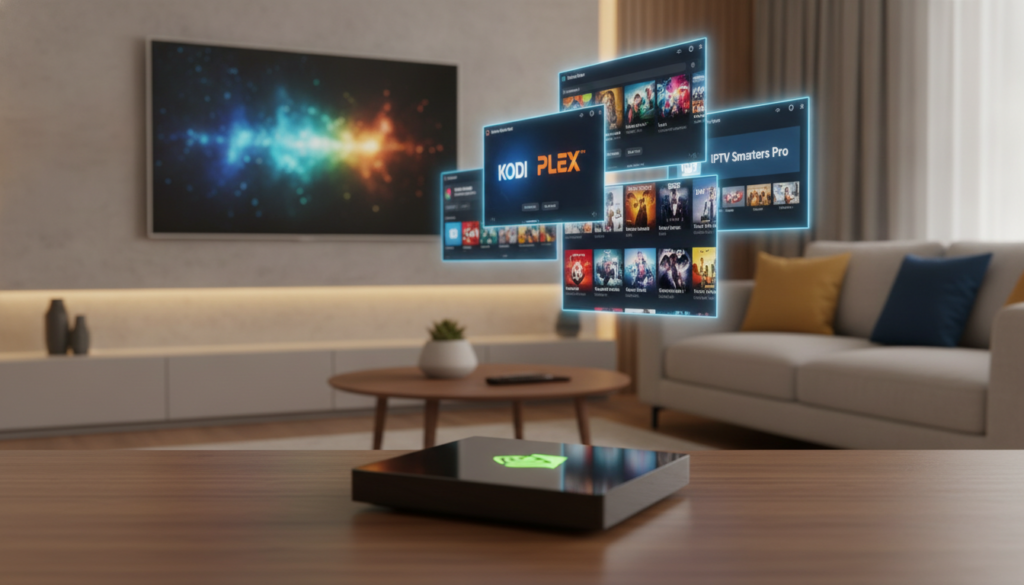
When selecting an application, consider these common features that define the user experience:
- TiviMate: Widely considered the gold standard for its clean, modern interface and robust EPG support. It offers deep customization for playback controls and multi-view options.
- IPTV Smarters Pro: A reliable, feature-rich choice that supports multiple playlists and provides a familiar layout for those transitioning from other devices.
- Perfect Player: A lightweight option that excels in simplicity, making it a great choice if you prefer a no-frills, functional approach to your media library.
- OTT Navigator: Known for its advanced filtering and sorting capabilities, this app is perfect for users who manage massive, complex playlists.
Ultimately, the right choice depends on your personal workflow. Some users prioritize a visual, poster-heavy interface, while others prefer speed and minimalist menus. We recommend testing a few of these options to see which one aligns with your daily viewing habits.
How to Check If an IPTV Source Is Legitimate
Your high-end device can display almost anything, but that does not make every source legitimate. A powerful nvidia shield iptv player will process high-bitrate streams with ease, regardless of whether the provider holds the proper distribution rights. Do not let a smooth, high-definition picture fool you into thinking the service is officially licensed.
Before you enter your payment details, you should perform a quick audit of the provider. Legitimate services operate with transparency and clear business practices. If a website lacks basic contact information or physical business addresses, you should proceed with extreme caution.
Use this checklist to evaluate any potential service:
- Pricing Clarity: Avoid services that hide recurring fees or use confusing billing cycles.
- Privacy Practices: Look for a clear privacy policy that explains how your data is handled.
- Refund Terms: Reputable companies offer clear, accessible refund policies if the service fails to meet expectations.
- Lawful Content Rights: Check if the provider lists the networks or studios they are authorized to carry.
Finally, be wary of “too good to be true” promises. If a provider claims to offer every premium channel in the world for a few dollars a month, they are likely operating outside of legal frameworks. Using a premium nvidia shield iptv player is a great way to enjoy content, but it remains your responsibility to ensure the source you choose respects copyright laws and protects your personal information.
Fixing Common IPTV Problems on Nvidia Shield
We have all been there: you sit down to watch a game, and the screen freezes. While the Nvidia Shield is a powerhouse, even the best hardware can encounter hiccups. Before you blame your hardware or your iptv subscription for nvidia shield, it helps to isolate the root cause of the problem.
Buffering and Freezing
Buffering usually points to a bottleneck in your home network or a congested server on the provider’s end. First, run a speed test directly on your Shield to ensure you are getting the bandwidth you pay for. If your internet is fast, the issue likely lies with the provider’s server capacity.
Try switching to a different channel or a lower-quality stream to see if the problem persists. If only one channel is freezing, the source is likely the culprit. If everything buffers, restart your router and the Shield to clear out temporary network conflicts.
EPG Not Loading
An empty Electronic Program Guide (EPG) is a common annoyance that usually stems from a sync error. Most apps allow you to manually refresh the guide data within the settings menu. Look for an option labeled “Update EPG” or “Refresh Channels” to force a new connection.
If the guide remains blank, check your URL source for the EPG. Sometimes these links expire or change, requiring you to re-enter the correct address. Ensure your date and time settings on the Shield are set to “Automatic” to prevent handshake errors with the server.
App Crashes or Won’t Connect
If your app keeps closing unexpectedly, the cache might be overloaded with old data. Navigate to your Shield settings, find the app in your list, and select “Clear Cache.” This simple step often resolves stability issues without deleting your login credentials.
If the app refuses to connect entirely, verify that your internet connection is active and that you are not using a blocked IP address. Occasionally, a VPN can cause connection conflicts, so try toggling it off to test the stream. Keeping your software updated ensures your iptv subscription for nvidia shield remains compatible with the latest app versions.
Frequently Asked Questions (FAQ)
Let’s clear up some common confusion regarding IPTV setups and hardware performance. Many new users assume the device itself dictates the content, but that is not the case.
When you look for iptv channels for nvidia shield, remember that your hardware is simply the player. The actual content library is entirely dependent on the service provider you choose to subscribe to.
We have gathered the most frequent questions to help you navigate your setup with confidence:
- Does the Nvidia Shield improve picture quality? The Shield is excellent at upscaling, but it cannot fix a low-resolution source. If your provider offers poor quality, the device can only do so much.
- Are all apps safe to use? Not necessarily. Always stick to reputable, well-known applications from the official Google Play Store to ensure your device remains secure.
- Why do my channels keep buffering? This is usually an issue with your internet speed or the provider’s server load. It is rarely a fault of the Nvidia Shield hardware itself.
- How do I find the best content? Finding reliable iptv channels for nvidia shield requires research into provider reviews. Focus on services that offer stable connections rather than just the largest number of channels.
Always approach third-party services with a healthy dose of caution. If a deal seems too good to be true, it often is. Prioritize providers that offer trial periods so you can test the stability before committing to a long-term subscription.
Conclusion
Your Nvidia Shield remains a powerhouse for high-quality media consumption. Achieving the perfect Nvidia Shield IPTV setup requires a balance of hardware performance and smart software choices.
Prioritize your digital security by focusing on IPTV source safety before you commit to any long-term subscriptions. Not every provider offers the stability or content quality they promise in their marketing materials.
Check your IPTV app compatibility to ensure your chosen player handles your specific stream formats without stuttering. A reliable player makes a massive difference in how you interact with your live channels and recorded content.
Follow this quick checklist to keep your system running at its peak:
- Verify the reputation of your provider before sharing payment details.
- Test different players to find the interface that suits your remote control habits.
- Keep your firmware updated to maintain optimal hardware performance.
- Clear your app cache regularly to prevent playback lag.
We want to hear about your streaming journey. Share your favorite app combinations or tips for better playback in the space below. Your insights help other users navigate the complex world of modern television.







